











This industry-focused data analytics course empowers you to drive data-driven business decisions through hands-on training in Advanced Excel, SQL, Python, and Tableau. You will gain practical experience in real-world data handling, automation with VBA, and professional dashboard creation using Power BI and Google Data Studio. By leveraging G-Suite for collaborative reporting and attending expert-led online sessions for advanced modules, you will build the comprehensive skill set needed to support diverse industries.
Prerequisites
No advanced coding background is required to begin. A basic understanding of computers, a logical mindset, and a familiarity with high-school-level mathematics are all you need to start your journey into the world of data.
Why The Data Analytics Course?
Almost every industry now needs data analytics professionals to turn information into strategy. If you are looking to grab the upcoming opportunities in the data-driven economy, then this data analytics training program empowers you:
- Unlock the power of data: Learn the most in-demand skills of analyzing complex datasets and identifying patterns to convert raw numbers into actionable business insights.
- Gain a competitive edge: As businesses shift toward digital transformation, the demand for skilled analysts is skyrocketing. This program provides the technical proficiency that sets you apart in the modern job market.
- Boost your career prospects: Acquire a versatile skill set that allows you to accelerate your career and become a high-value asset to organizations across the finance, retail, and tech sectors.
Why do Data Analytics Courses from ICA Edu Skills?
 NSDC Certified Training 100% Job Assistance Real-Life Projects Practical Training
Skills Covered
| Data Validation | Data analysis and visualization |
| Programming languages (Python, R) | Statistical modeling and analysis |
| Machine learning algorithms | Data storytelling and communication |
Who Should Enroll in the Data Analytics Program?
This data Analytics training course is designed for candidates:
- Fresh Graduates: Looking to kickstart a career in one of the highest-paying entry-level fields.
- Working Professionals: Accountants, marketers, or HR professionals aiming to automate tasks and add data-driven value to their roles.
- Aspiring Data Analysts: Individuals who want to transition into technical roles like Business Intelligence or Data Science.
- Entrepreneurs: Who want to analyze their own business metrics for better scaling and efficiency.
What You Will Master in the Course on Data Analytics
Our data analytics course equips you with the industry-required skill set through a well-structured curriculum:
- Advanced Excel: Gain expertise in data validation, lookup functions, Power Query, and dynamic dashboard creation to handle complex data tasks efficiently.
- VBA & Automation: Learn to write macros and use VBA programming to automate repetitive tasks, customize the VBE environment, and handle errors professionally.
- SQL: Explore relational databases and master fundamental commands for data manipulation, including joins, sub-queries, and aggregate functions.
- Power BI & Tableau: Develop advanced skills in data visualization by creating interactive reports, slicers, bookmarks, and geographical maps to tell compelling data stories.
- Python: Build a solid foundation in programming, covering data structures, control flow, and file handling to perform sophisticated data analysis.
- G-Suite & Data Studio: Master collaborative tools like Google Sheets and Data Studio to create, share, and manage live reports and automated mail merges in a cloud environment.
- Corporate Skills: Beyond the tools, gain essential orientation on corporate professional skills to ensure you are ready to excel in a high-pressure business environment.
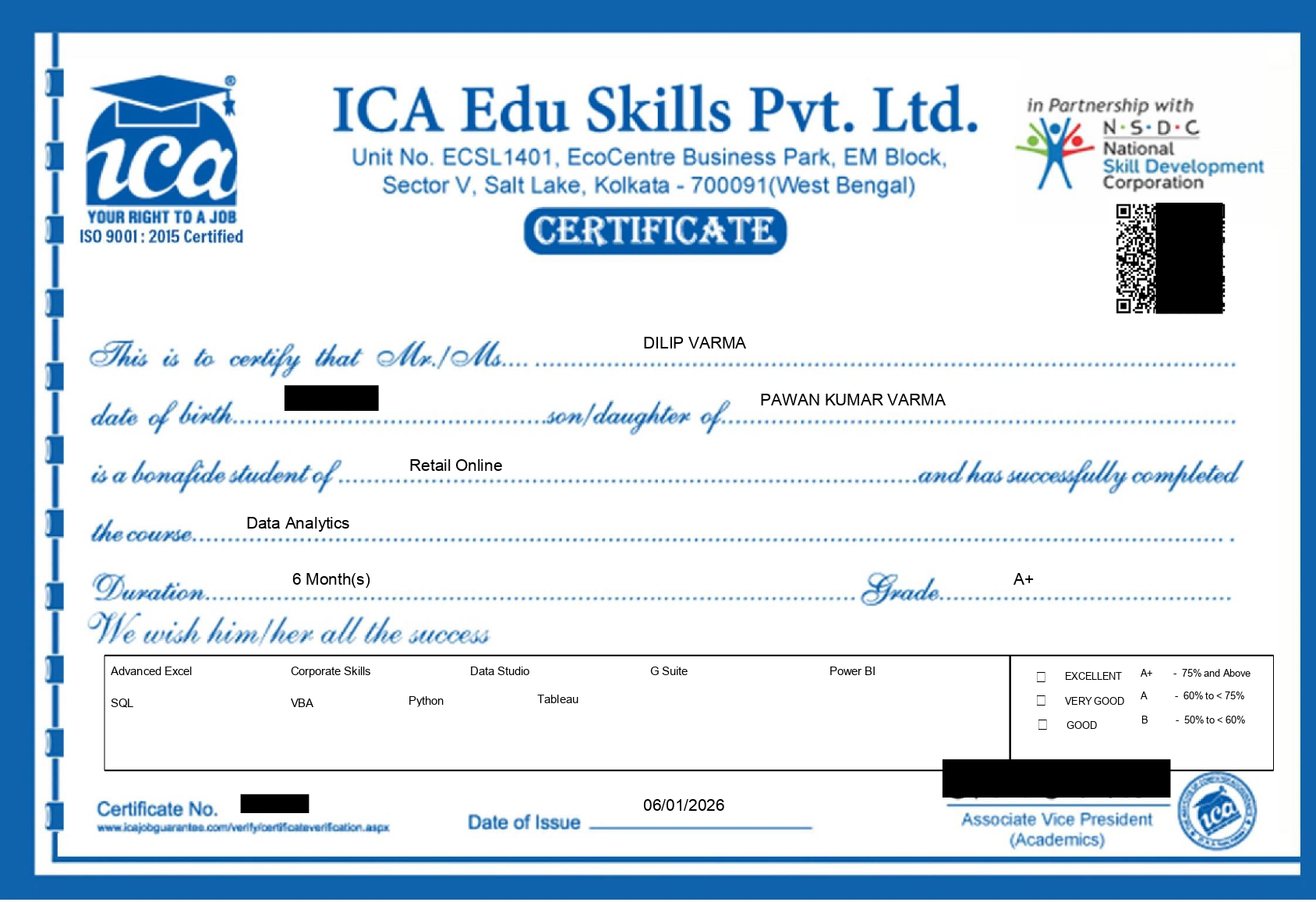
Data Analytics Certification
At ICA Edu Skills, India’s No. 1 training and skill development institute, we focus on job-oriented Data Analytics that prepare learners for the global Data Analytics job market.
- Advanced Excel
- VBA
- G-Suite
- SQL
- Power BI
- Data Studio
- Python
- Tableau
- Orientation on Corporate Skills
Hours
15 Lecture
Lecture
1 : Flash Fill & Data Validation
Lecture
2 : Advanced Conditional Formatting
Lecture
3 : ASAP Utilities
Lecture
4 : Lookup Functions
Lecture
5 : Match & Index
Lecture
6 : Dynamic Vlookup
Lecture
7 : Data Table
Lecture
8 : Solver
Lecture
9 : Financial Functions
Lecture
10 : Sort & Filter
Lecture
11 : PowerPivot
Lecture
12 : Dashboard Creation
Lecture
13 : Power Map & Power Query Macrol Array Functions
Lecture
14 : Google Drive
Lecture
15 : Mail Merge
Hours
10 Lecture
Lecture
1 : Macro
Lecture
2 : Introduction to VBA
Lecture
3 : Working with Procedures & Functions
Lecture
4 : Customizing the VBE Environment
Lecture
5 : Understanding the Objects
Lecture
6 : Using Expressions, Variables & Intrinsic Functions
Lecture
7 : Controlling Program Execution
Lecture
8 : Debugging Code & Handling Errors VBA Programming Functions
Lecture
9 : Excel Form Control & ActiveX
Lecture
10 : Working with Forms & Controls
Hours
5 Lecture
Lecture
1 : Hello to Google Drive! Introduction to Google Sheet
Lecture
2 : Google Sheet Protection
Lecture
3 : Combine Data from Multiple Google Sheet
Lecture
4 : Google Slides Google Form Google Mail Merge
Lecture
5 : Google Cloud Printing
Hours
9 Lecture
Lecture
1 : Introduction to SQL
Lecture
2 : Platforms to execute SQL codes
Lecture
3 : Creating a table Data insertion Auto increment and primary key
Lecture
4 : Alter table Delete Update Top clause String functions
Lecture
5 : Alter table Delete Update Top clause String functions
Lecture
6 : Constraints
Lecture
7 : SQL join
Lecture
8 : Insert sub-query
Lecture
9 : Delete sub-query
Hours
6 Lecture
Lecture
1 : Introduction to Power BI
Lecture
2 : Prepare Data in Power BI
Lecture
3 : Publish Power BI
Lecture
4 : Service Power BI
Lecture
5 : Desktop Tooltip Reports & Slicers in Power BI
Lecture
6 : Buttons & Bookmarks in Power BI
Hours
6 Lecture
Lecture
1 : Google Data Studio
Lecture
2 : Creating Charts & Graphs
Lecture
3 : Filters & Controls
Lecture
4 : Custom Fields
Lecture
5 : Chart Styling
Lecture
6 : User Management: Sharing your Reports
Hours
8 Lecture
Lecture
1 : Introduction to Python
Lecture
2 : Python Basics
Lecture
3 : Control Flow
Lecture
4 : Functions
Lecture
5 : Data Structures
Lecture
6 : File Handling
Lecture
7 : Basic Object-Oriented Program
Lecture
8 : Mini Project
Hours
8 Lecture
Lecture
1 : Introduction to Tableau
Lecture
2 : Getting Started with Tableau
Lecture
3 : Connecting to Data Sources
Lecture
4 : Working with Dimensions & Measures
Lecture
5 : Creating Basic Charts: Bar, Line, Pie & Tables
Lecture
6 : Filtering, Sorting & Grouping Data
Lecture
7 : Using Calculated Fields & Table Calculations Maps and Geographical Data Visualization
Lecture
8 : Creating Dashboards and Storyboards
Hours
1 Lecture
Lecture
1 :